An interface starts with a workflow
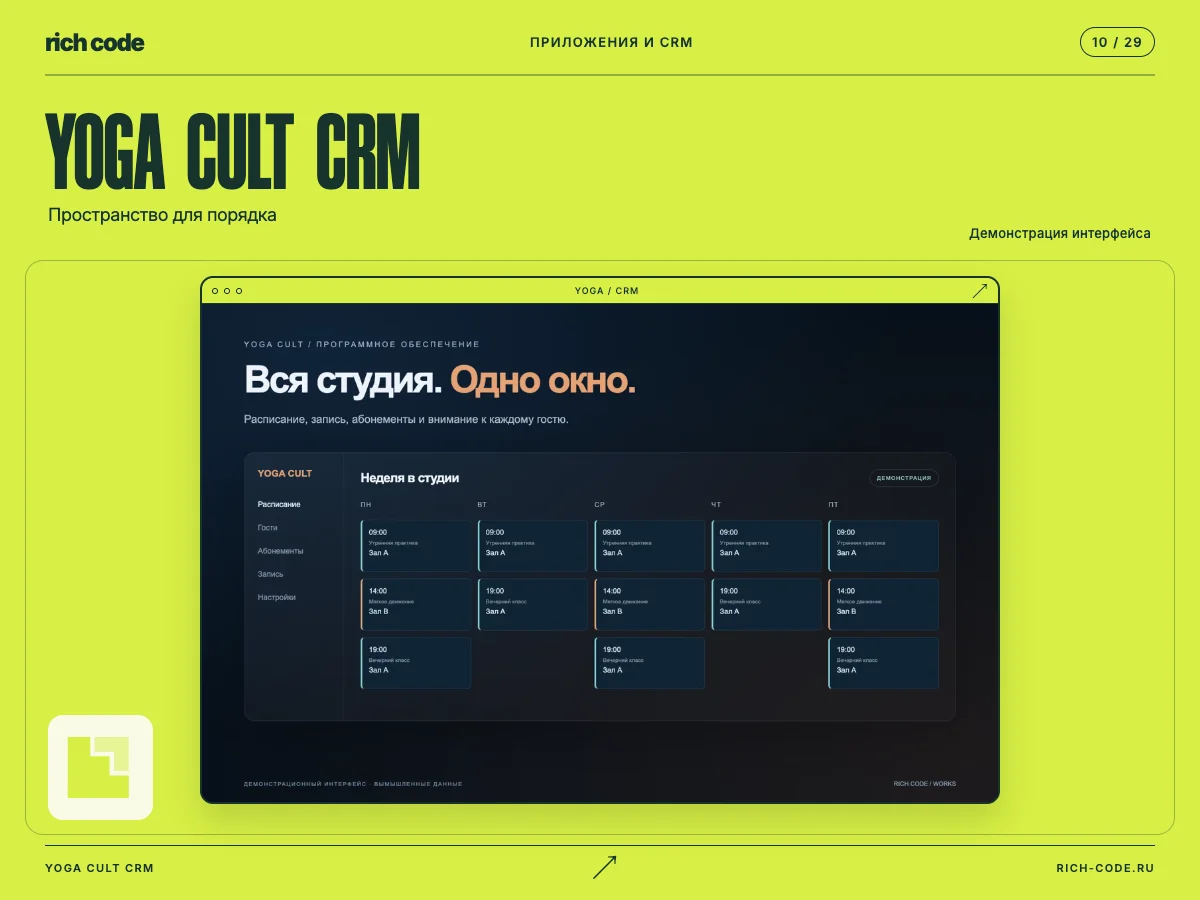
When a product contains a lot of data, it is tempting to show everything at once. Most users need a specific task: book a client, find a request or change a status. Start the design with those actions.
For each workflow, define the entry point, required information and outcome. Then cover its states: loading, empty lists, errors and successful saves. These details make an interface dependable in daily use.
A design system helps keep things consistent. Shared buttons, fields and tables behave the same throughout the product. Add a new component only when existing ones cannot solve the problem.
Test beyond the ideal path. Long names, slow networks, accidental taps and one-handed use quickly reveal weaknesses. The earlier you find them, the easier it is to fix the product before launch.